
Voice Blender:
make a voice no one owns
Pick two voices from your Library, set the mix, and Xport merges them into a brand-new original voice. Use it to sing, speak or read text, like any other voice. No Python, nothing uploaded.
macOS 15+ (Apple Silicon), Windows next. Blending is part of Xport Pro after the 7-day free trial, $79 one time. The compatibility check is free.
Nova plus Iris, one new voice.
Two starter voices from the Library, mixed 50/50. Watch them merge, then hear each one and the blend read the same line.
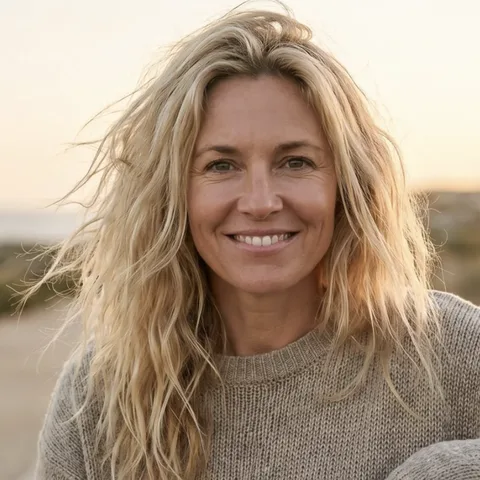

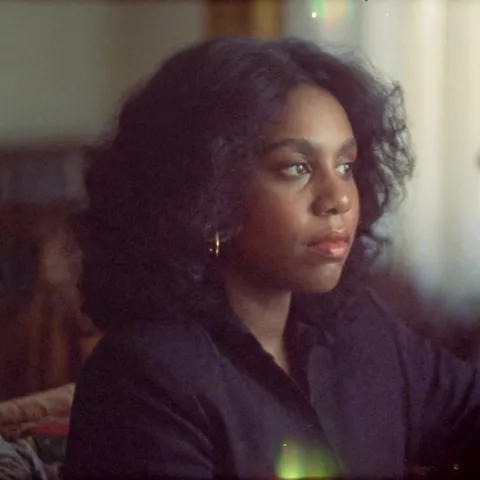
Real clips from the app: two starter voices and the 50/50 blend made from them, each reading the same line. Voice Blender is on Mac now (Windows next) and is part of Pro after the 7-day free trial.
How voice blending works
Each RVC voice is a set of model weights. The Voice Blender mixes two sets at the ratio you choose and saves the result as a new voice, the same idea as an RVC model merge, in one click.
Pick two voices
Voice A and Voice B, from anything in your Library: starter voices, voices you trained, or models you imported.
Set the mix
Slide from 5 to 95 percent. 50/50 lands in the middle; 70/30 keeps more of Voice A.
Get a new voice
It lands in your Library with a name like Nova x Iris 50/50, ready for conversion and text to speech.
It tells you why
Voices are RVC v1 or v2 and only matching ones mix. Badges show each one, and a pair that cannot mix says why.
How to blend two voices in Xport
- Open Library and click Voice Blender. Your voices are already there: starter voices, voices from voice cloning, and any .pth you imported.
- Pick Voice A and Voice B. Choose two from the same generation. Every voice you train in Xport matches every other one.
- Set the mix and blend. Drag the slider, press Blend, and use the new voice in the vocal converter or text to speech.
What people blend voices for
An original artist voice
A voice that sounds like nobody else, so your releases are not tied to a real singer.
Your voice, upgraded
Blend a clone of your own voice with a starter voice to keep your character with a different tone.
In-between ranges
Mix a low and a high voice to land a range neither one covers well.
Characters
Build distinct voices for games, animation and narration from voices you already have.
FAQ
What does the Voice Blender do?
It merges two trained RVC voice models into a new model. You pick Voice A and Voice B, set how much of each to keep, and Xport writes a brand-new voice to your Library that you can use for conversion, text to speech and anything else.
Is this the same as an RVC model merge?
Yes. It weight-merges the two models, the same math as the merge tools in the RVC community, without Python, a WebUI or file paths. The result is a normal voice in your Library.
Which voices can I blend?
Two voices from the same RVC generation: v1 with v1, or v2 with v2. Every voice you train inside Xport matches every other trained one. Imported voices can vary, so the app shows a v1 or v2 badge on each and tells you exactly why a pair cannot mix.
How do I set the mix?
A slider sets the share of Voice A from 5 to 95 percent, in steps of 5. The new voice is named automatically, for example Nova x Iris 50/50, and you can rename it.
Who owns a blended voice?
You do. A blend of two voices is a new original voice that sounds like neither one. Only blend voices you have the right to use, such as your own, the starter voices, or models licensed to you.
Is it free?
The compatibility check is free. Blending is part of Xport Pro after the 7-day free trial: $79 one time, never a subscription.
Does it work on Windows?
Voice Blender is on Mac now (macOS 15 or later on Apple Silicon) and is coming to Windows next.
Is anything uploaded?
No. The merge runs on your computer, and your voices never leave it.